How to Download Premium Envato Elements Assets for Free
Problem: Download envato elements files for free in 2026?
Envato Elements removed their free trial in 2023. I've been looking for other ways to download Envato assets for free ever since and I've found 2 ways to download the files completely free -- and it's legit!
Solution 1: Envato Free Files
This one is official! Envato Elements offers to download 12 premium files every month for free. And to download the files, all you have to do is, just create an account with envato. No need to share your card information! Okay, now here is the steps to download the free premium files.
-
Go to the free files page using this Link.

-
Check the interesting asset that you need.
-
Click on the red download button to download!
-
If you are not logged in, it will ask you to log in!
-
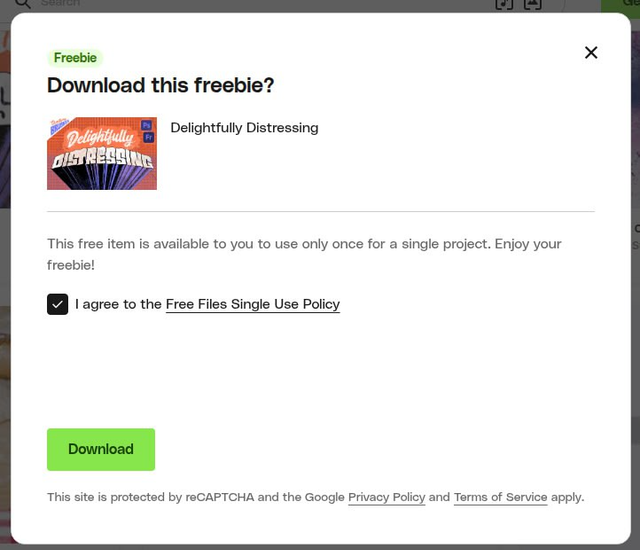
After logging in accept the agreement and click on 'Download'.
-
Now, it will start downloading and you can use it in one of your project!
What can you do with the free files?
The free file license is similar to regular but there are several restrictions as well.
- You can download and keep the assets in your pc. You can even use them for commercial purpose and even for client projects.
- Each file can be used in one project only!
Breaching these terms can lead to termination of your license and potentially even further consequences. Since Envato offers these files for free, they are presented "as is," without any guarantees. This means there's no assurance of originality or freedom from intellectual property infringement.
Solution 2: Stoxcy
You can also use the envato downloader of Stoxcy to download envato premium files for free as well. And the best part? Stoxcy offers 1 free download per day. You can even download any premium file you want! Here is the steps to download the premium files for free using Stoxcy!
-
Visit Stoxcy using this Link
-
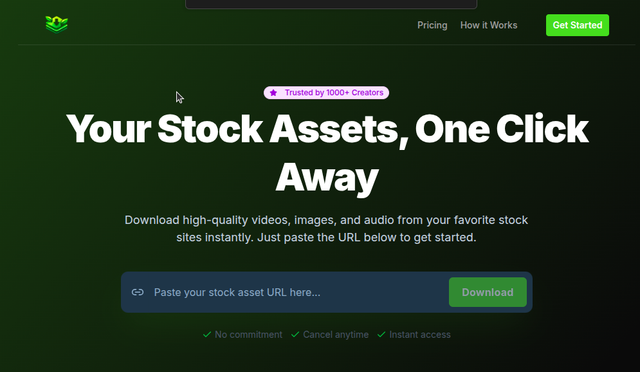
Click on the 'Get Started' button and login to the platform.
-
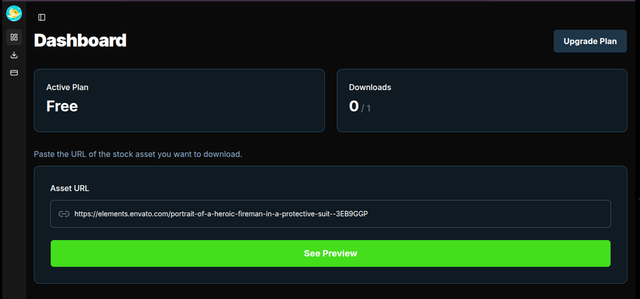
Paste your envato file url in the 'Asset url' field